BeeHive Spell · English spelling for elementary-school kids

Turn the school word list into a spelling game

Snap your child's weekly word list and it becomes their own road of levels. Climb the honeycomb map with Mimi the bee and collect three stars in every cell: Hear It, Spell It, Contest Ready.

iPad and iPhone | No ads, no account, one-time purchase, works offline

Mimi the bee, a cartoon bee waving hello

A little every day, one cell at a time

Listen, look, and spell. Simple things for kids to do, and a growing list of words they can spell.

01

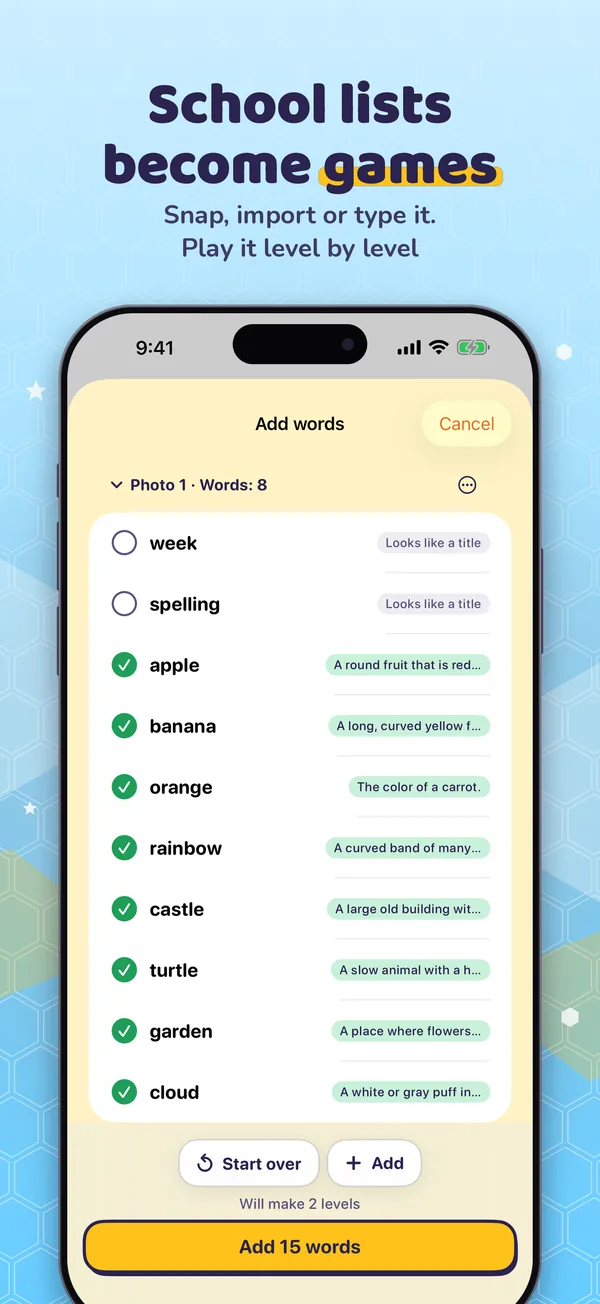
Your school list becomes a road

  • Snap a photo, pick up to 10 from Photos, paste text, or type words in
  • Apple's on-device text recognition reads the list. Photos are never saved or uploaded
  • A parent checks the words, and your child climbs them level by level in My Roads
  • Share a road file with classmates' parents so they can practice too
02

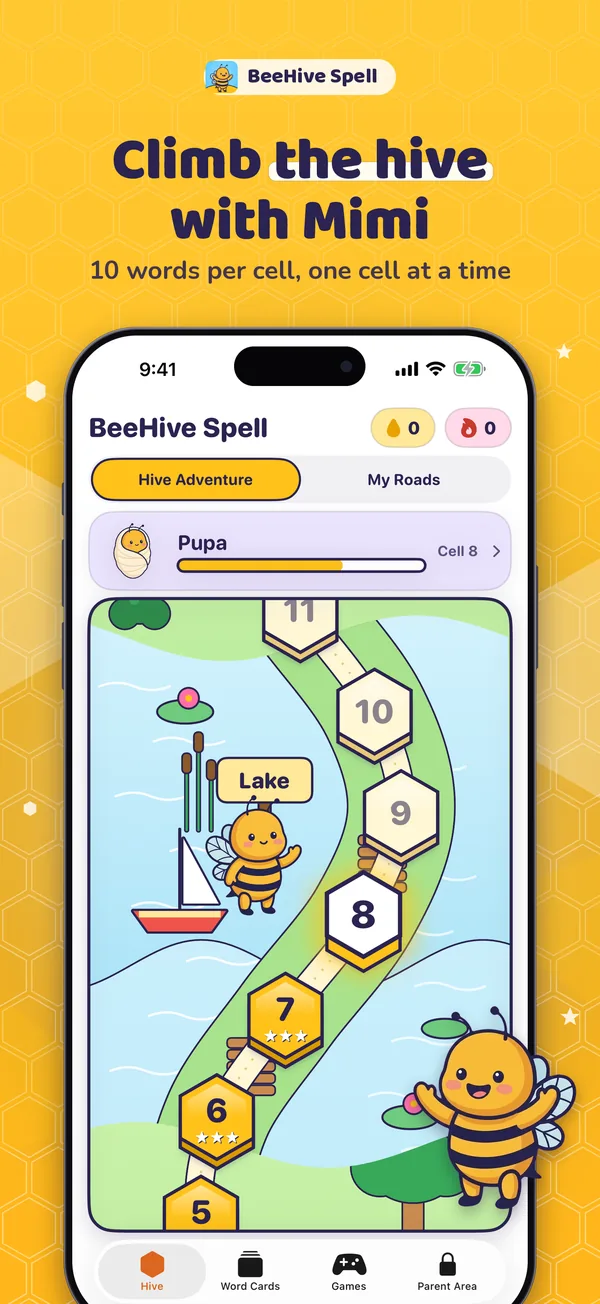
The honeycomb map

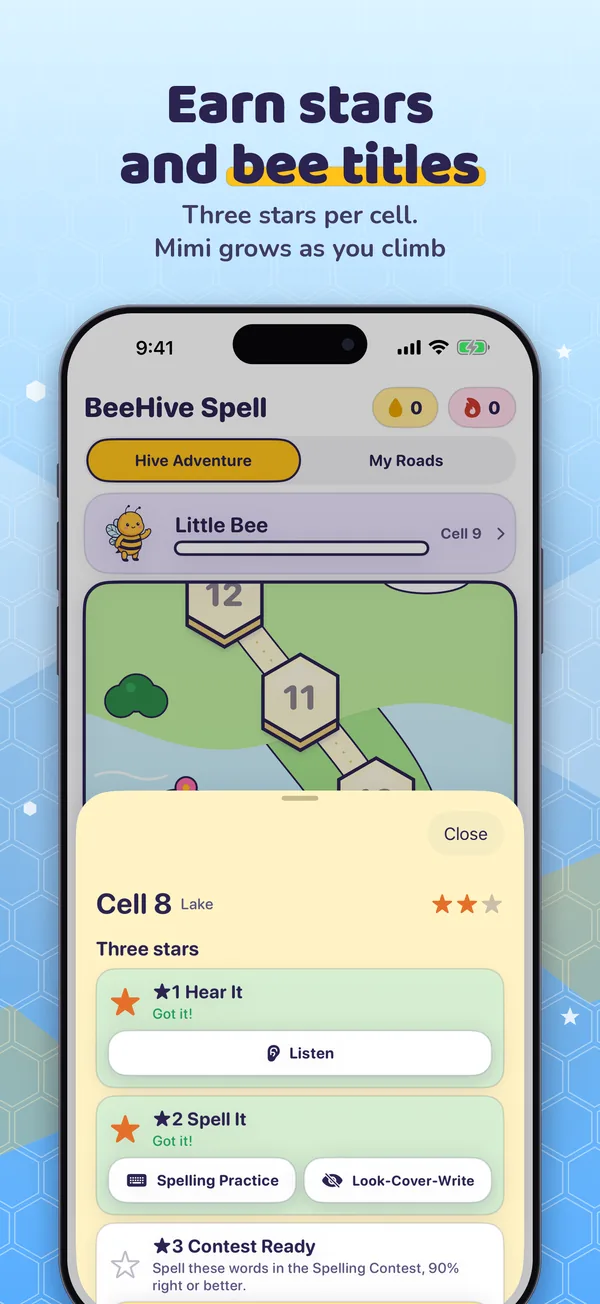
10 words per cell. Start in the Garden Meadow and climb. Three stars per cell:

  • Hear It: hear the word, choose the right spelling
  • Spell It: spell the whole word yourself
  • Contest Ready: 90% right in the Spelling Contest

The first star opens the next cell, so no one gets stuck. Stars never go away.

03

Practice with hints

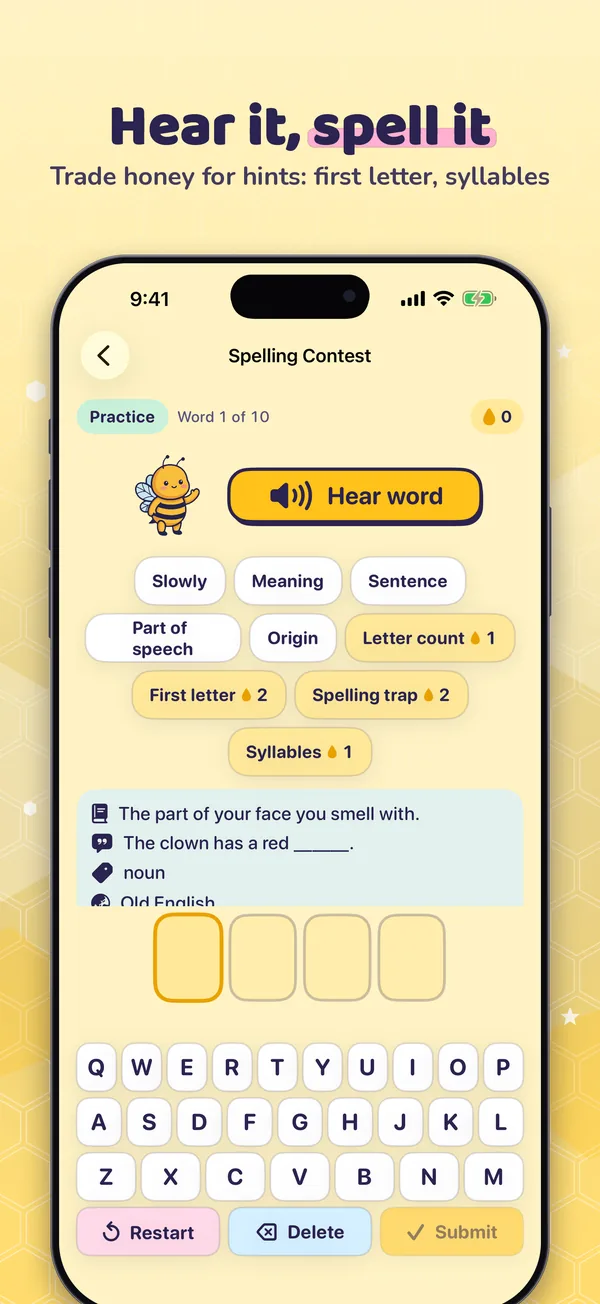
  • Practice has no timer: hear the word again, or slowly
  • Trade honey for hints
  • Tricky words go to the Review Basket and come back in Today's Review
04

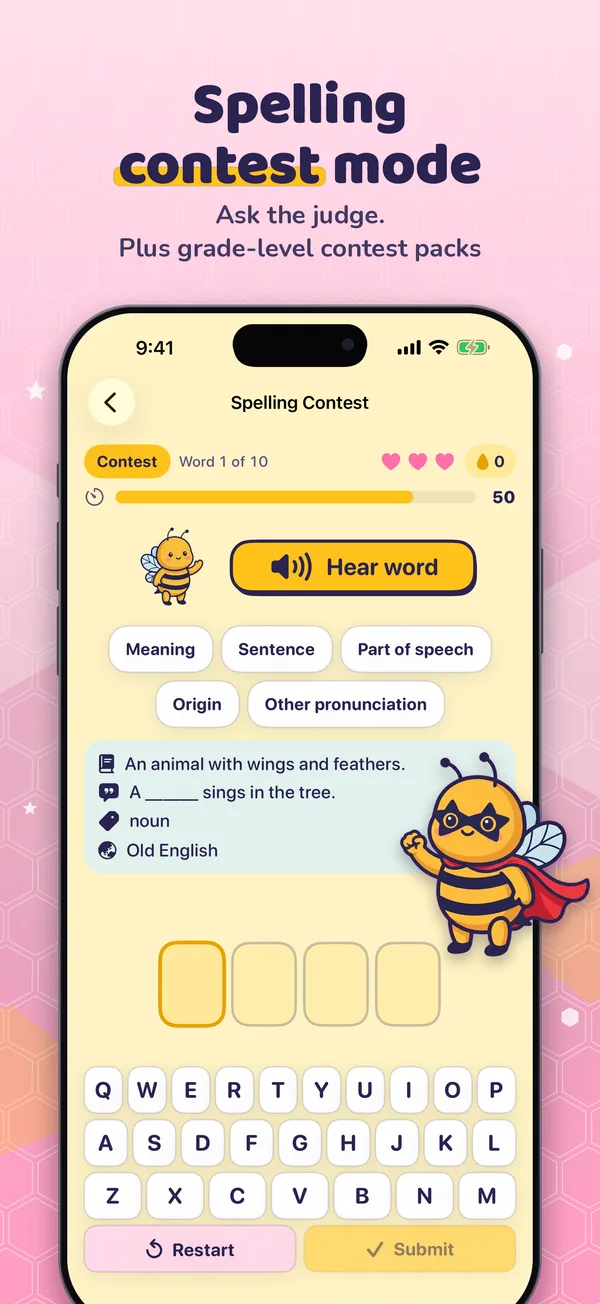
Spelling Contest and grade-level packs

  • Contest rounds have a timer and hearts. Ask the judge for the meaning, a sentence, the part of speech, or the origin
  • Grade-Level Contest Word Packs for Grades K–2, 3–5, 6–8 and 9–12, with contest-level words sorted by grade (Pro)
05

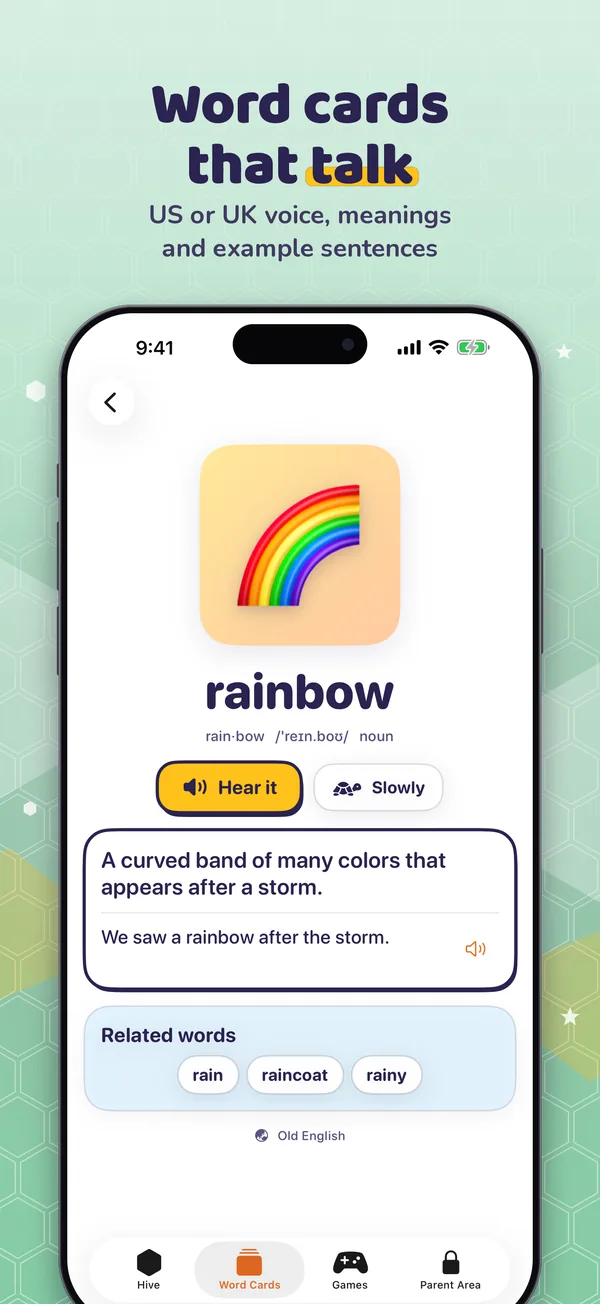
Word cards that talk

  • Meaning, example sentence, part of speech, origin and related words
  • Recorded American audio for words and sentences; British uses the iOS system voice
06

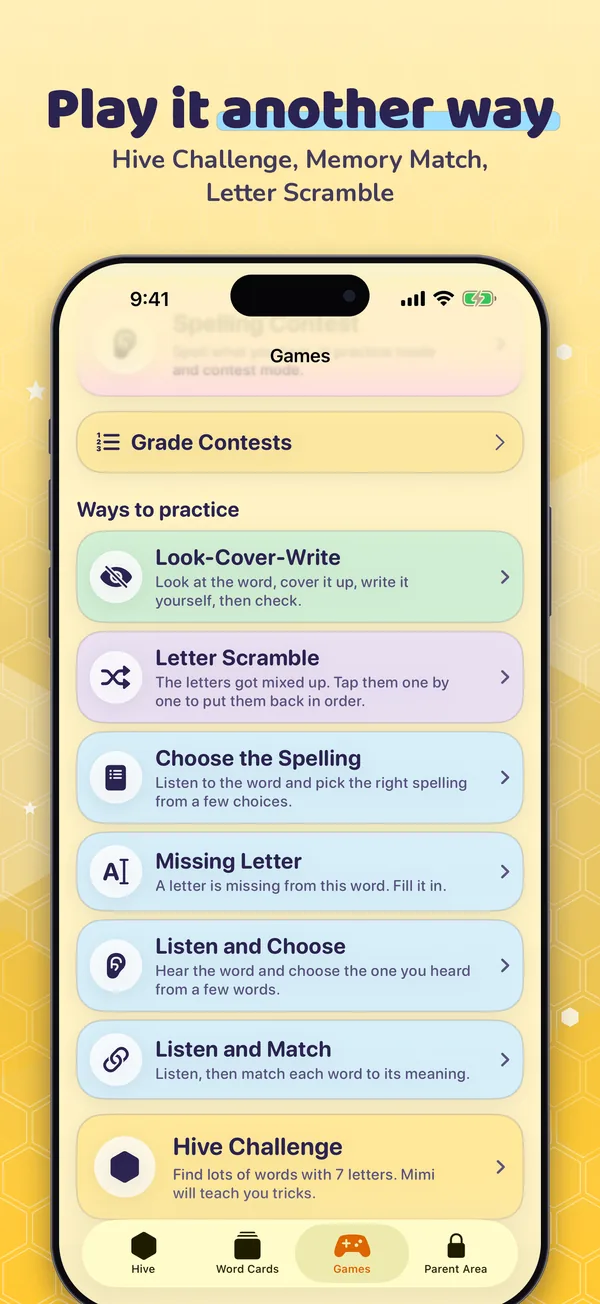
More ways to play, including Hive Challenge

  • Hive Challenge: find the words hiding in 7 letters, with tips from Mimi
  • Memory Match, Choose the Spelling, Look-Cover-Write, Letter Scramble
  • Missing Letter, Listen and Choose, Listen and Match
  • Brick Castle: spell to stack bricks (opens after the first 6 cells)

A look inside

Real screens from the app on iPhone.

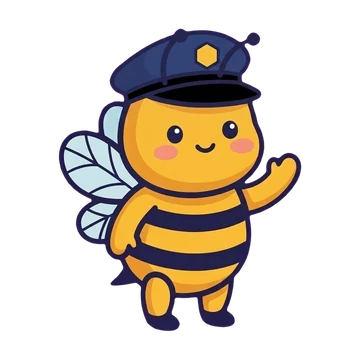
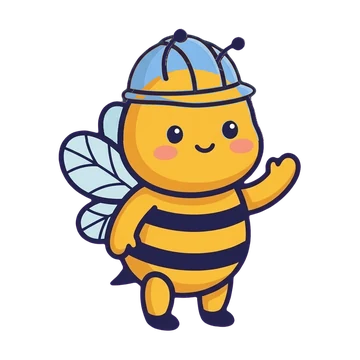
Mimi as a guard bee wearing a cap

For parents: no ads, just honey

We wanted an app we would happily hand to our own kids. These things were decided on day one.

  • No ads, no accountNo sign-up, no login, and no ads popping up.
  • No personal data, no trackingNo third-party SDKs and no analytics. Progress stays on this device, and the app works offline.
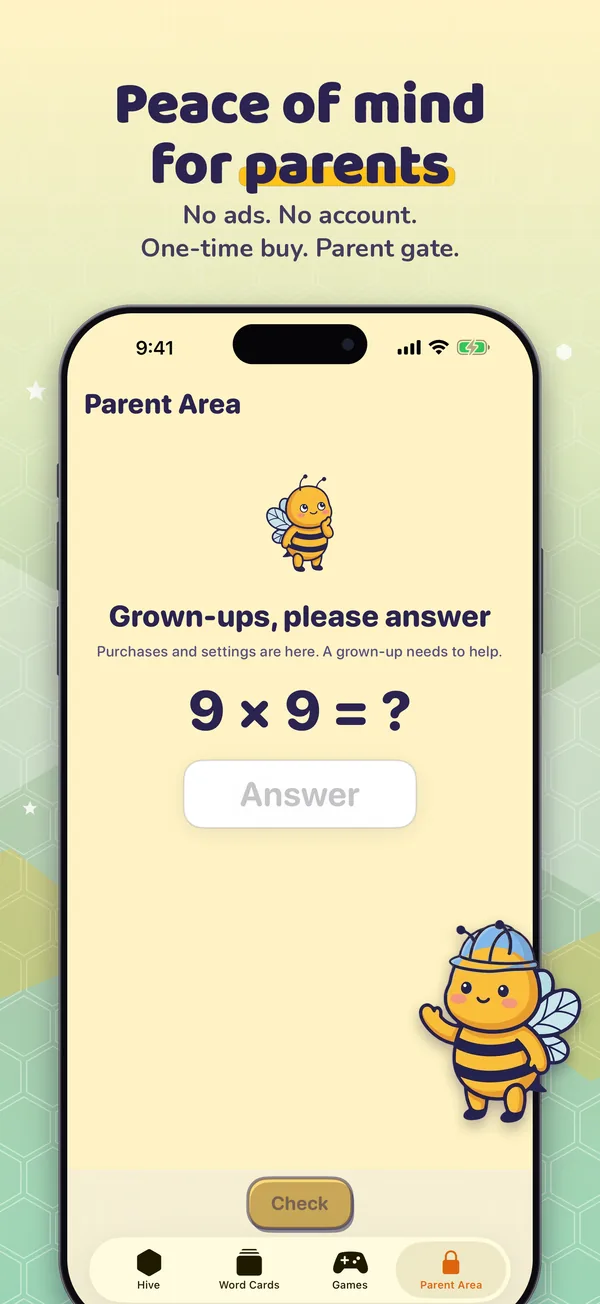
  • Parental gateA math question guards the Parent Area: purchases, restore, settings, children, adding and sharing words.
  • Learn 300 words freeWords your child adds count too. Every feature is available, so you can try before you decide.
  • Pro is a one-time purchaseNo subscription. Opens all 3,000 words, the 300-cell map and every Hive Challenge puzzle. Compare Free and Pro
  • Up to 4 childrenEach child on the device has their own stars, honey and roads.

This website follows the same rules: no tracking code and no third-party fonts or resources. See our Privacy Policy.

FAQ

Who is it for?

BeeHive Spell helps elementary-school kids practice English spelling. Kind words only: when a word is tricky, Mimi says "Almost! Let's listen again!"

Does it need the internet?

No. Words, images and audio are bundled in the app, so it works offline.

How much is free?

Your child can learn up to 300 words for free, including words you add yourself, with every feature available. After 300 learned words, starting practice shows the Pro screen for a parent to decide. See Free and Pro.

Are word-list photos uploaded?

No. Apple's built-in text recognition reads the words on this device only. Photos are never saved or uploaded.

Does it work on iPad?

Yes. BeeHive Spell is designed for iPad first and also works on iPhone.

What languages does the app use?

English or Traditional Chinese, switchable in the app.
More questions and contact